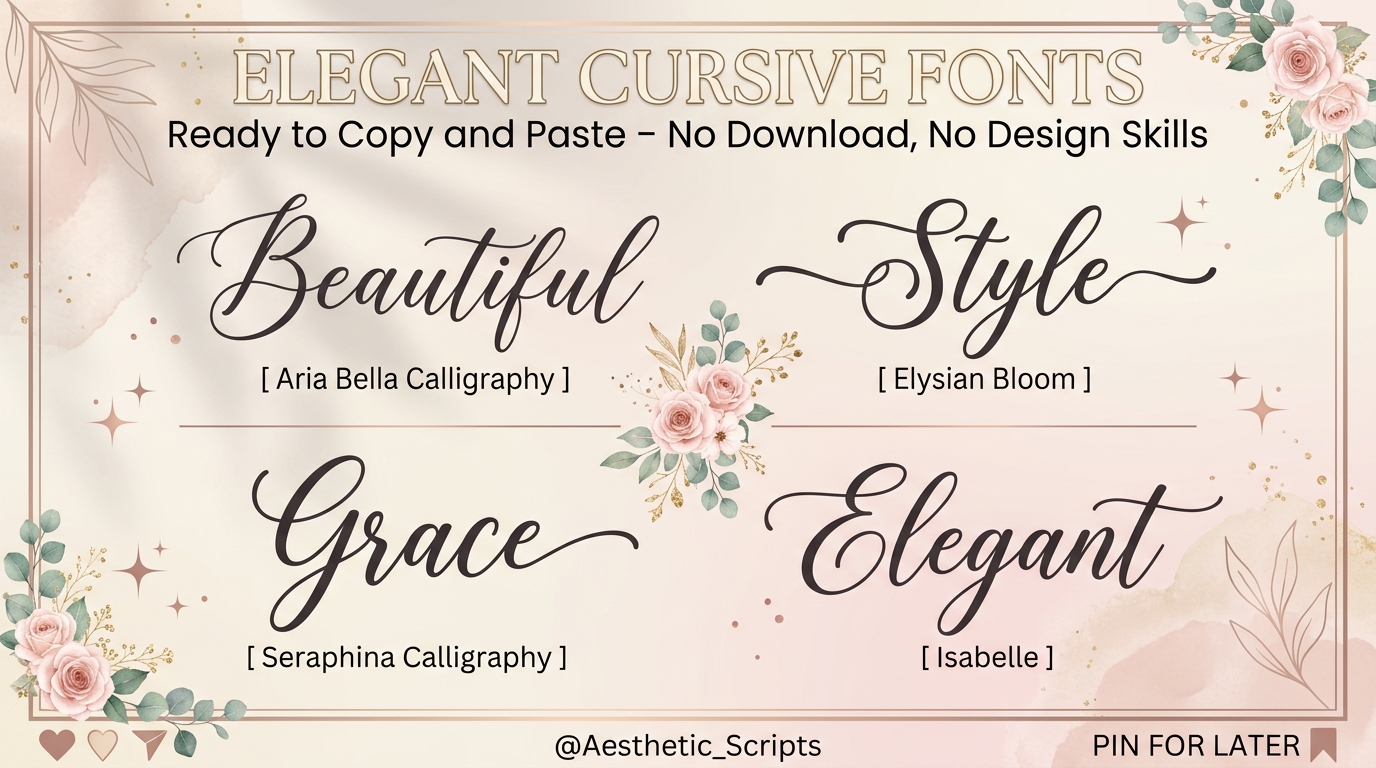

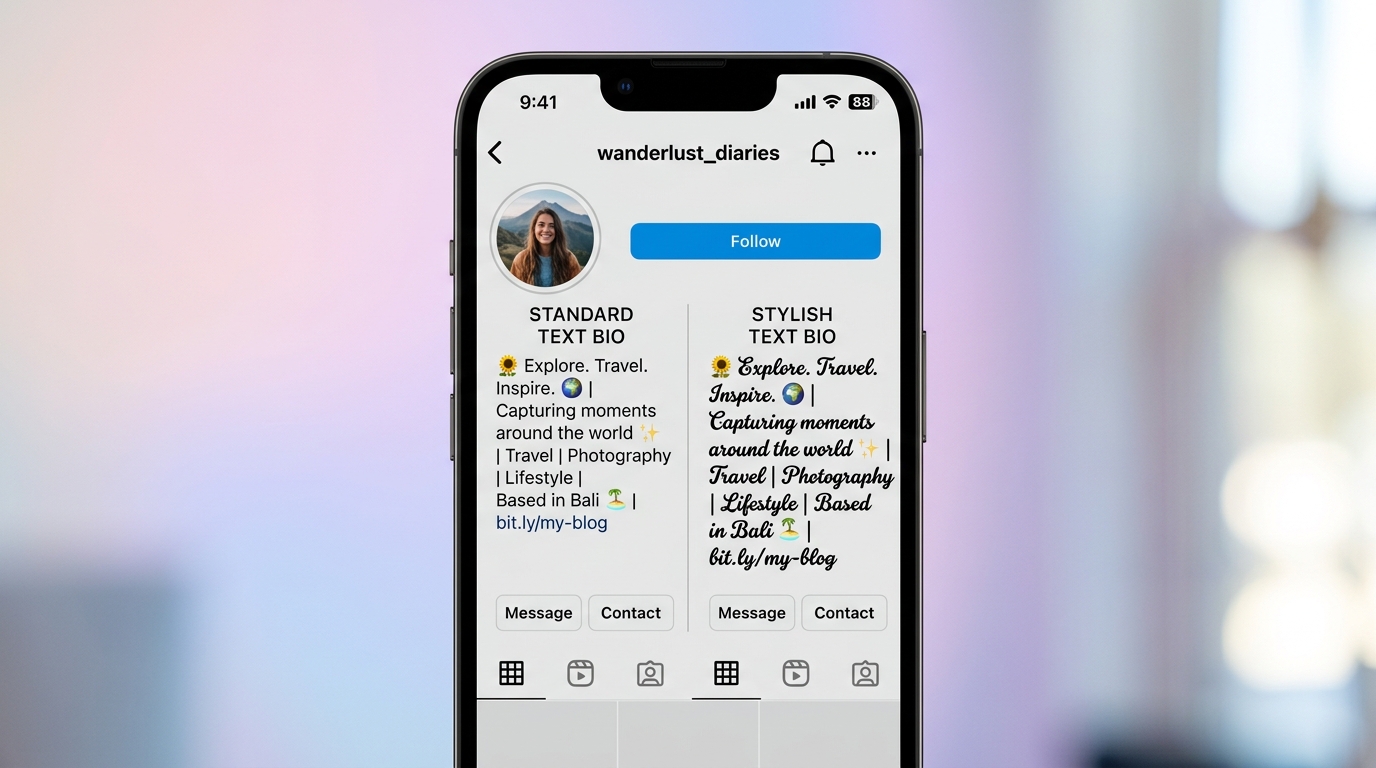
This works best for anyone who needs stylized script or cursive text ready to paste into a social media bio, caption, message, or document right now. It won’t help if you’re trying to install an actual font file into a design program like Adobe Illustrator or Canva; that’s a different problem entirely.
What “Script Copy and Paste” Actually Mean
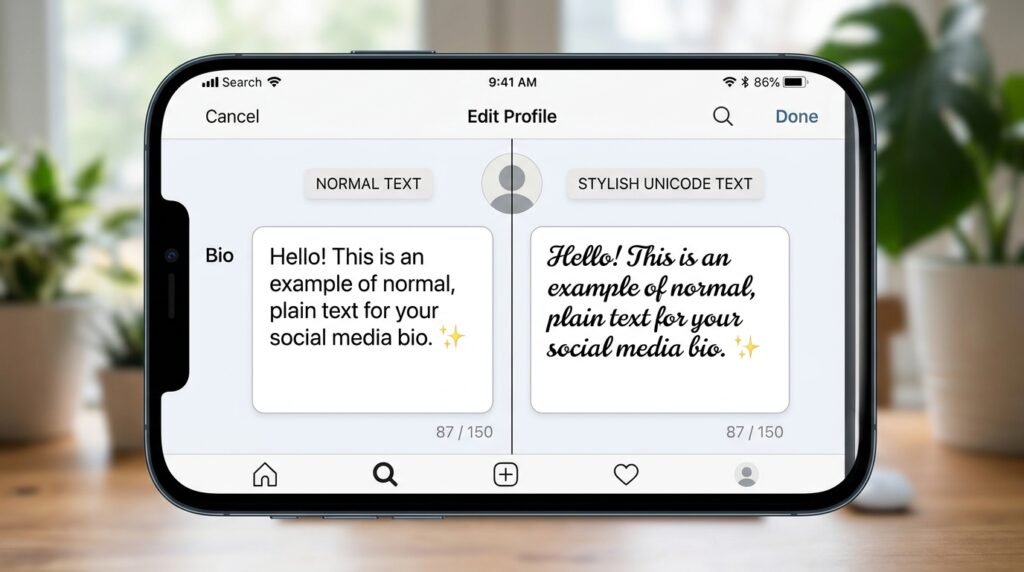
Script copy and paste refers to the practice of generating Unicode-based cursive or decorative characters that visually resemble handwritten script fonts — and copying them directly into any text field without installing software or font files. These are not real fonts. They’re special characters that already exist inside the Unicode standard, which means any device that supports Unicode (almost all of them) can display them in theory.
That last part matters. We’ll get to it.
Why Your Pasted Script Text Sometimes Shows as Boxes or Question Marks
Here’s the thing: Unicode has over 140,000 characters. Not every platform renders all of them.
When you paste script text on someone else’s screen, it’s not your fault and it’s not the generator’s fault. The platform or the recipient’s device doesn’t have the font installed to render that specific Unicode range. Most script generators pull from the Mathematical Alphanumeric Symbols block (U+1D400–U+1D7FF) a section of Unicode originally designed for mathematical notation, not decorative text. That’s why some characters display perfectly on your screen but collapse elsewhere.
I’ve seen conflicting data on this some sources claim WhatsApp supports the full Mathematical Alphanumeric block on all devices, others report inconsistent rendering on older Android versions. My read is: test on your actual target platform before finalizing anything important.
What most guides skip is the distinction between rendering and copy support. A platform can let you paste Unicode characters but still strip or replace them when you save or submit the field. Reddit, for example, allows Unicode in post bodies but auto-converts some script characters in titles.
Quick note: if you’re designing something for print, none of this applies you need a real font file.
The Fastest Way to Get Script Text Right Now
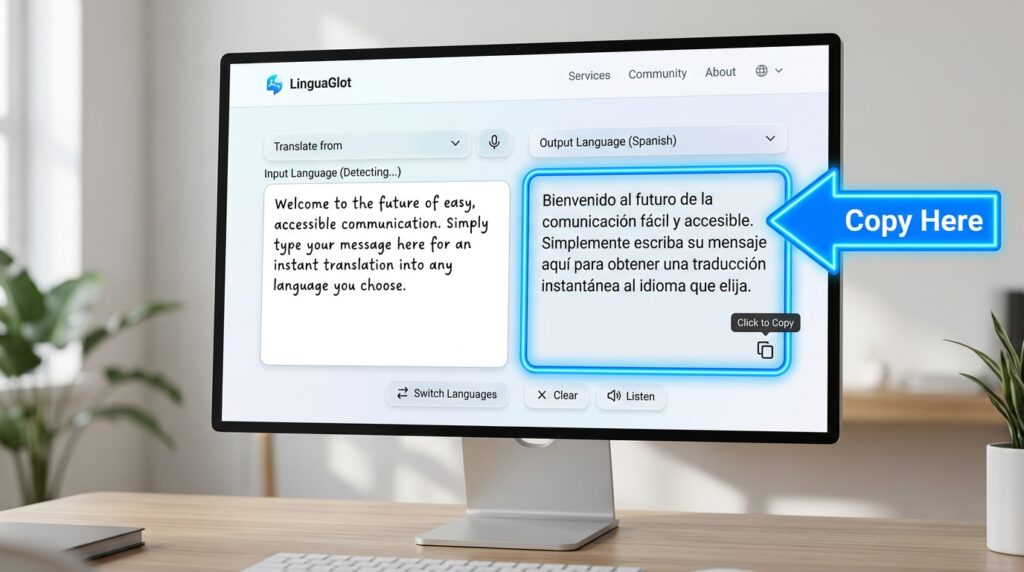
To generate and copy script text in under 60 seconds, follow these steps:
- Go to LingoJam Cursive Text Generator
- Type your text into the left input box
- Choose a script style from the right panel pick Cursive or Bold Cursive first
- Click anywhere on the output text to select it
- Copy using Ctrl+C (desktop) or long-press → Copy (mobile)
- Paste directly into your target field
If the result looks broken after pasting, try a different style from the same panel — lighter script variants use a narrower Unicode range and tend to render more reliably across platforms.
Platform-by-Platform Compatibility Guide
This is the section every other tool site ignores. Before you pick a script style, check which ones actually survive on your target platform.
Quick Comparison
| Platform | Script Style That Works | Script Style to Avoid | Key Limitation |
| Instagram Bio | Bold Script, Cursive | Double Struck | Bio strips some extended Unicode on older app versions |
| Standard Cursive | Fraktur / Gothic | Fraktur renders as boxes on Android 8 and below | |
| Twitter / X | Most styles | Monospace Script | Character count counts Unicode chars as multiple characters |
| Google Docs | All styles | None significant | Full Unicode support — safest platform to test on |
| TikTok Bio | Standard Cursive only | Bold Cursive | TikTok sanitizes extended Mathematical block characters |
Look, if you’re customizing an Instagram bio, bold cursive is your safest bet. If it’s for WhatsApp, stay with standard cursive and avoid anything the generator labels gothic or fraktur.
The Best Script Copy and Paste Tools (Compared)
Not all generators are equal. The difference isn’t just style variety it’s whether the copy button actually works on mobile, whether the site is cluttered enough to make the tool unusable, and whether the output is clean Unicode or mixed with invisible formatting characters.
LingoJam Cursive Text Generator is the most-used option for a reason. The interface is two boxes side by side. No account needed. The output is clean. On mobile it’s slightly awkward you have to manually select and copy rather than tap a button but the Unicode output is reliable.
FancyTextPro offers more style variants in one place and includes a one-click copy button that works on mobile. The tradeoff is a heavier ad load on the free version, which can make the page feel slow on lower-end phones.
Fonts Generator Proleans toward cursive and calligraphy styles specifically, which makes it useful if you want something closer to formal script rather than casual handwritten-style text. The preview is larger, which helps when you’re picking between similar-looking styles.
Or maybe I should say it this way if you only want one tool bookmarked, use LingoJam for reliability and FancyTextPro when you need more variety in a single session.
Option A vs. Option B: LingoJam is better suited for quick single-use copying because the output is clean and loading is fast. FancyTextPro works better when you need to compare multiple script styles side by side before deciding. The key difference is interface simplicity vs. style depth.
Script Styles You Can Copy Right Now
Below are six ready-to-copy script text samples. Each is written in a different Unicode script style so you can see how they render in your browser right now.
𝒮𝒸𝓇𝒾𝓅𝓉 𝒮𝓉𝓎𝓁𝑒 Mathematical Script (most common, works on Instagram)
𝓢𝓬𝓻𝓲𝓹𝓽 𝓢𝓽𝔂𝓵𝓮 Bold Mathematical Script (heavier weight, good for bios)
𝕊𝕔𝕣𝕚𝕡𝕥 𝕊𝕥𝕪𝕝𝕖 Double Struck (avoid for WhatsApp, fine for Google Docs)
Ѕ𝒸𝓇𝒾𝓅𝓉 Ѕ𝓉𝓎𝓁𝑒 Mixed Unicode (inconsistent shown here as a caution example)
ꜱᴄʀɪᴘᴛ ꜱᴛʏʟᴇ Small Caps variant (not true script but widely compatible)
𝘚𝘤𝘳𝘪𝘱𝘵 𝘚𝘵𝘺𝘭𝘦 Italic (lightest Unicode range, highest compatibility)
The italic variant at the bottom is the most compatible across platforms. It pulls from the closest Unicode range to standard Latin characters, so it survives platform sanitization more often than the decorative script styles above it.
Some experts argue that decorative Unicode characters damage readability for screen readers and therefore shouldn’t be used in public-facing bios. That’s valid if accessibility is a priority for your account or brand, standard text with emoji is genuinely the better call. But if you’re a personal account using script for aesthetic purposes, the accessibility concern is real but limited in that context.
What to Do When the Script Text Breaks After Pasting
Users who’ve tried pasting script text into platform-specific fields often report that the text looks perfect in the clipboard preview but reverts to plain text or shows symbols once the post or bio saves. There are three likely causes.
The platform actively strips extended Unicode on save. TikTok does this selectively. The fix: try a lighter script style (standard cursive or italic Unicode, not bold script).
The font isn’t rendering on the recipient’s device, not yours. Your screen shows it correctly because your OS has the glyph theirs doesn’t. You can’t fully fix this, but choosing common script styles reduces the gap.
The copy included invisible formatting characters from the generator site. This happens with some tools that add zero-width joiners or direction markers to their output. Fix: paste into a plain text editor (Notepad on Windows, Notes on iPhone) first, then re-copy and paste to your destination.
According to Statista (2023), over 2 billion people use Instagram monthly, and bio customization including Unicode font tools ranks among the top profile optimization searches. That volume explains why so many generators exist and why so many of them are under-maintained cash-grab sites with broken copy buttons.
FAQs
Q: What’s the best script copy and paste tool for Instagram?
A: LingoJam Cursive Text Generator is the most reliable. Using the standard or bold cursive output these Unicode ranges render correctly in Instagram bios without showing as broken symbols on most devices.
Q: How do I copy cursive text and paste it into WhatsApp?
A: Generate text on LingoJam or FancyTextPro, select the standard cursive output, copy it, and paste directly into your WhatsApp message or bio. Avoid Gothic or Fraktur styles they show as boxes on older Android versions.
Q: Why does my script text show as boxes after pasting?
A: The recipient’s device or the platform doesn’t support that specific Unicode character range. Switching to a lighter script style, italic Unicode is the most universally compatible option across platforms and devices.
Q: Should I use a script font generator or install an actual font?
A: Use a generator if you’re adding text to a social media bio, caption, or message no installation needed. Install an actual font file only if you’re working inside design software like Illustrator, Figma, or Word.
Q: When should I avoid using script copy and paste text?
A: Avoid it in professional emails, accessibility-focused content, SEO page copy, or any context where screen readers are likely to be used. Unicode decorative characters are read character-by-character by screen readers, which makes them confusing for visually impaired users.
This guide covers Unicode-based script text generators and platform compatibility for social media and messaging use. It does not address installing font files, using script fonts inside design software, or programming-related script copy-paste operations.