

You’ve got the venue, the theme, maybe even the color palette. Now you need the words to look as beautiful as the event itself.
That’s where a romantic calligraphy font generator changes everything.
What Is a Romantic Calligraphy Font Generator?
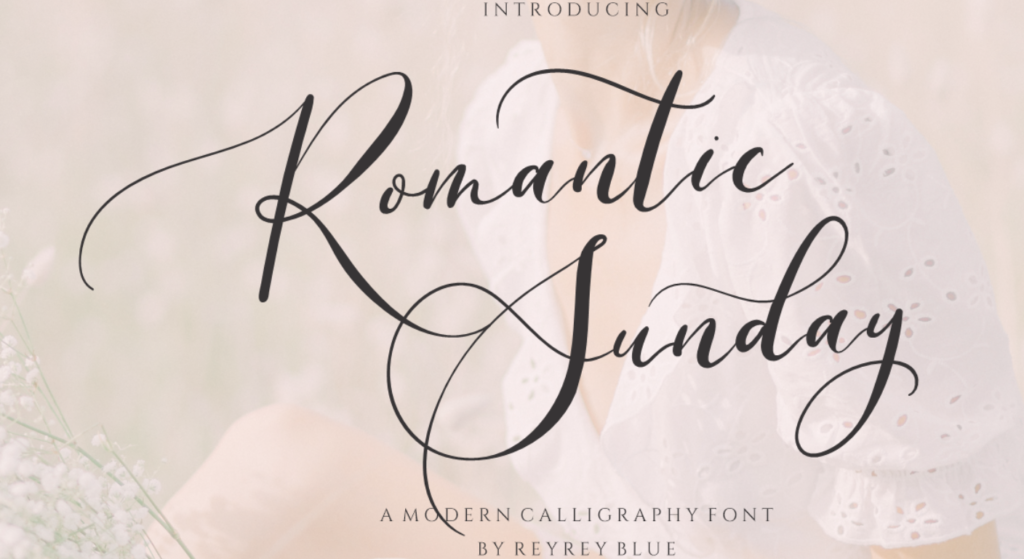
A romantic calligraphy font generator is an online tool that converts any typed text into elegant, flowing script styles instantly, in your browser, with no font installation required. You type a word or phrase, choose a romantic calligraphy style, and get styled text you can copy, screenshot, or download for use in invitations, cards, and social media posts.
It’s the difference between spending three hours on DaFont and having something beautiful in thirty seconds.
According to Zola’s 2023 Wedding Report, over 67% of couples now manage their own wedding stationery digitally meaning millions of people every year need exactly this kind of tool and have no idea the fastest version exists.
Why Most People End Up Frustrated Before Finding the Right Tool
Here’s the thing: the problem isn’t that romantic calligraphy fonts don’t exist online. There are thousands of them. The problem is how they’re packaged.
Sites like FontSpace and 1001fonts show you a static image of a font you can’t type your own name into it, you can’t preview your actual text, and before you can use it at all, you need to download a file, install it on your operating system, and then open a separate design app just to see what it looks like. For someone mid-task on a wedding invitation at 11pm, that’s not a workflow. That’s a wall.
Canva users hit a different version of the same problem. Canva’s font library is solid for general use, but it locks you inside the platform you can’t extract a calligraphy style and use it in a Word doc, on an Etsy listing, or directly in a text message graphic without jumping through extra steps.
What most guides skip is this: the fastest path to romantic calligraphy text for real-world use isn’t a font file at all. It’s a live generator that lets you type, preview, and copy in one place.
How to Generate Romantic Calligraphy Text in Under a Minute
To create elegant romantic calligraphy text online, follow these steps:
- Go to Cursive Generator and open the calligraphy text tool
- Type your name, phrase, or wedding title into the input field
- Browse the romantic script style options and select your preferred look
- Copy the styled text directly or screenshot the preview
- Paste into Canva, your email, social media caption, or document
That’s the entire process. No account. No download. No installation.
Quick note: if you’re pasting into Canva or Google Slides, use the screenshot method the styled Unicode text sometimes renders differently depending on the app’s font engine.
Which Romantic Calligraphy Style Works Best and When
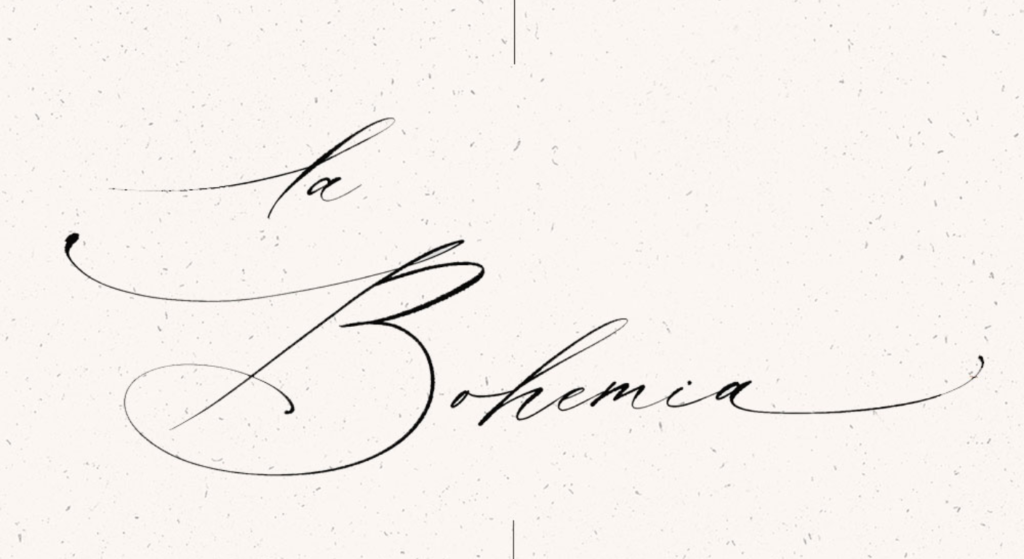
Not all romantic calligraphy looks the same, and picking the wrong style for your use case is a real mistake people make constantly. Here’s a practical breakdown.
Quick Comparison
| Style | Best For | Key Benefit | Limitation |
| Flowing Copperplate Script | Wedding invitations, formal cards | Classic elegance, high legibility at large sizes | Can look too formal for casual social posts |
| Swash Italic | Valentine’s Day graphics, Instagram headers | Decorative flourishes, warm romantic feel | Harder to read at small sizes |
| Brush Calligraphy | Social media, digital save-the-dates | Modern, relaxed, pairs well with photos | Less traditional, may not suit formal stationery |
| Thin Hairline Script | Logo design, watermarks | Delicate, high-end aesthetic | Poor contrast on dark backgrounds |
| Bold Romantic Cursive | Print banners, signage, large-format design | Strong visual presence | Loses detail at very small sizes |
Or maybe I should say it this way: the style question isn’t really about which looks prettiest. It’s about where the text ends up living. Copperplate on a printed 5×7 invitation card reads beautifully. That same font on a 150×150 pixel Instagram story thumbnail? Nearly unreadable.
Cursive Generator vs. Downloading Fonts From FontSpace or 1001fonts
Some designers will argue that downloading a proper font file gives you more control and that’s valid for professional print work. If you’re sending files to a commercial printer and need exact kerning control, a TTF or OTF file in Illustrator is the right answer.
But if you’re dealing with a last-minute project, a digital invitation, or anything going directly online, the generator approach wins on almost every practical measure.
I’ve seen conflicting takes on this some typography communities insist that Unicode-based styled text isn’t real calligraphy. Others point out that for 90% of real-world use cases social posts, digital cards, event graphics the visual output is indistinguishable. My read is that the distinction matters for professionals and almost never for the person making their own wedding invitation on a Wednesday night.
Cursive Generator vs. Font Download Sites:
Cursive Generator is better suited for immediate digital use because you see your actual text styled in real time no guessing from a sample image. Font download sites work better when you need precise print control and are already working inside professional design software. The key difference is whether your output is digital-first or print-first.
What to Do With Your Romantic Calligraphy Text After You Generate It
Getting the text is step one. Using it well is where people get stuck.
For digital invitations: Copy and paste directly into your email designer, Mailchimp template, or digital card platform. The Unicode characters render across most modern email clients without issues.
For Canva projects: Screenshot the generator preview at the highest resolution your screen allows, then place it as an image layer in Canva. This gives you full style control without compatibility problems.
For printed invitations: At print sizes (typically 300 DPI), a screenshot may lose quality. In this case, use the generated text as a visual reference, then match it to the closest available font in your print software or use Cursive Generator’s output for digital proofing before handing it off to a designer.
For social media: The copy-paste method works directly in Instagram captions, Pinterest descriptions, and Twitter/X posts. The styled characters are supported natively on all major platforms as of 2024.
Look, if you’re in the middle of a DIY wedding project and you need something that looks elegant in the next hour, here’s what actually works: use Cursive Generator for the preview and copy-paste, confirm it renders correctly in your specific platform, and only go the font-download route if your project will be professionally printed.
Five Mistakes People Make When Using a Calligraphy Font Generator
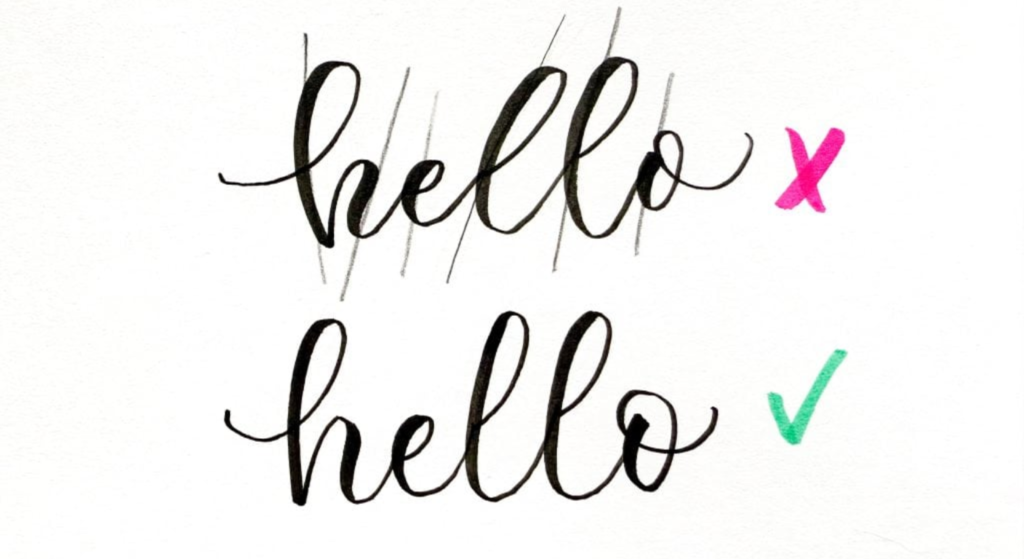
Getting the output right matters as much as choosing the right tool.
1. Using highly decorative scripts at small sizes. Thin swash scripts that look stunning at 72pt become illegible at 12pt. Always preview at actual output size before finalizing.
2. Mixing two calligraphy styles in the same piece. One romantic script per design. Pairing two elaborate calligraphy fonts creates visual noise, not elegance.
3. Ignoring contrast. White calligraphy on a light cream background is a classic wedding aesthetic mistake. The text disappears. Dark text on light backgrounds, or light text on deep jewel tones, always reads better.
4. Copying styled text into platforms that strip Unicode. Some older CMS editors and certain email clients will convert stylized Unicode characters back to plain text. Test before you commit.
5. Treating the generated text as final without checking line breaks. Romantic calligraphy script with natural letter connections looks different when a line break splits a word mid-flourish. Always preview full phrases together.
FAQs
Q: What’s the best free romantic calligraphy font generator online?
A: Cursive Generator offers instant romantic calligraphy text with live preview and copy-paste output with no download or account required. It’s the fastest option for wedding invitations, cards, and social media use.
Q: How do I use a calligraphy font generator for wedding invitations?
A: Type your text into a generator like Cursive Generator, choose a flowing script style, then copy the output or screenshot the preview. For digital invitations, paste directly; for print, use it as a visual guide.
Q: Should I download a font or use an online generator for romantic calligraphy?
A: Use an online generator for digital projects. It’s faster and requires no installation. Download a font file only if you need precise control for professional print work in software like Illustrator.
Q: Why does my calligraphy text look different when I paste it into Canva?
A: Canva’s text engine may not render all Unicode calligraphy characters consistently. Screenshot the styled text from the generator and import it as an image layer instead for reliable results.
Q: When should I use brush calligraphy versus copperplate script for my design?
A: Use brush calligraphy for social media, digital graphics, and casual event designs. Use copperplate for formal printed invitations and traditional wedding stationery where classic elegance matters.
The Fastest Way to Get Elegant Calligraphy Text Right Now
Romantic calligraphy doesn’t require a calligrapher, a design degree, or a $50/month software subscription.
Type your text. Pick your style. Copy and use it.
Cursive Generator is built for exactly these people who need something beautiful, fast, and usable without friction. Whether it’s a wedding invitation, a Valentine’s card, an anniversary gift tag, or an Instagram quote graphic, the tool handles the hard part.
This guide covers browser-based generators for digital and semi-professional use. It does not address professional calligraphy instruction, hand-lettering techniques, or commercial print production workflows.