
Gothic Font Generator: Blackletter Text to Copy and Paste
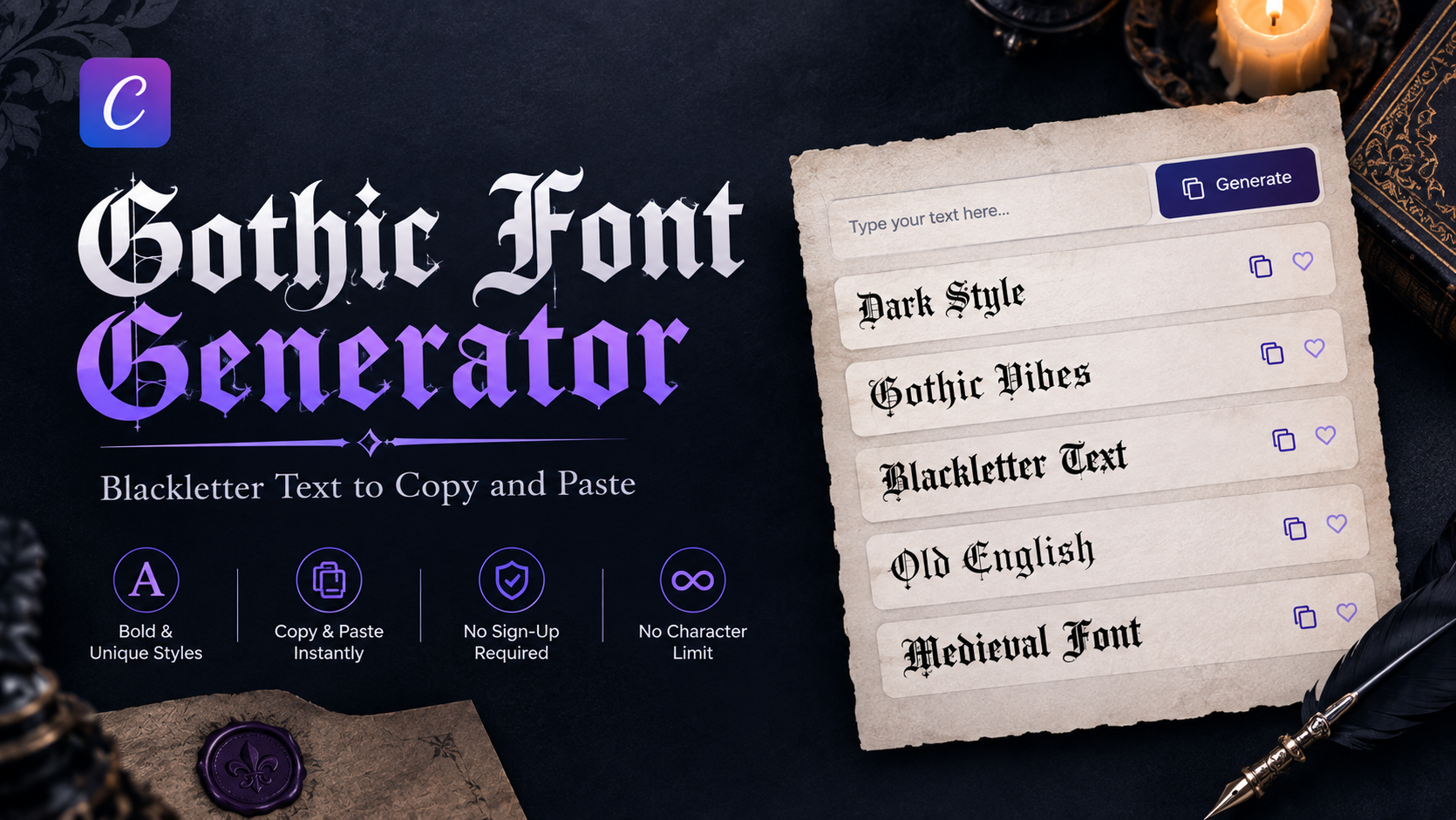
This gothic font generator converts any word or sentence into dark, angular blackletter-style Unicode text, the dramatic, medieval-inspired lettering associated with old manuscripts and Gothic architecture. The result is real, selectable text, not an image, so it copies and pastes anywhere, free, with no sign-up.
In short: a gothic font generator converts typed text into Unicode characters styled after blackletter (also called Old English) lettering, the angular script historically used in medieval European manuscripts and early printing. Because it's standard Unicode rather than an installable font, it works the moment it's pasted, without any download.
This page covers the dark, angular gothic family specifically. For the full 120+ style range across every category, the Font Generator hub covers everything together.
What Makes a Style "Gothic" Here
Gothic, also called blackletter or Old English, describes a family of Unicode characters built to resemble the angular, dense lettering used in medieval manuscripts and some of the earliest printed books. Thick vertical strokes, sharp angles, and tightly spaced letterforms give it a dramatic, historical look that's visually distinct from every other category on this site.
It's a completely different family from the site's other formal or flowing options: the cursive text generator produces flowing, connected handwriting-style letters, and the calligraphy font generator leans toward elegant, ornamental script; gothic instead trades elegance for a bold, dark, medieval look.
How to Use the Gothic Font Generator
Type or paste text into the input box (up to 500 characters).
Use the "Gothic" category pill to filter straight to this style family instead of scrolling the full 120+ list.
Every gothic-style option previews the same text at once, and taps Copy on the one that fits.
Paste it wherever it's needed: a bio, a username, a caption.
There's no download step and no software to install, because the output is text, not an image.
What Happens to Numbers, Punctuation, and Spacing
This is a detail most gothic generator pages don't mention. Letters A–Z convert cleanly across gothic styles, since the Unicode blackletter blocks were built to cover the full alphabet. Numbers are less consistent; some gothic Unicode sets include styled digits, others don't, and when a style has no gothic digit equivalent, the plain number passes through unchanged instead of breaking.
Spaces and standard punctuation always stay as-is, since Unicode doesn't define gothic versions of punctuation marks. In practice, a username or caption with a number in it may show gothic letters next to a plain-text digit, expected behavior, not an error.
Real Text, Not a Downloadable Image
Several tools that show up when searching for a gothic font generator actually produce a downloadable image or graphic file (sized for printing or design software, and requiring a download button rather than a copy button). That works for a poster or a logo mockup, but it can't be pasted into a bio, username field, or chat message as editable text.
This tool only produces Unicode text. Every gothic style is copy-paste ready from the first click, nothing to download, no image file, no software needed.
Your Text Stays Private
Because this tool runs entirely in the browser, nothing typed into it is uploaded to a server or stored anywhere. Closing or refreshing the page clears whatever was typed; there's no account, no saved history, and no text logged on the backend.
Best For: Tattoos, Gaming, and Dramatic Profiles
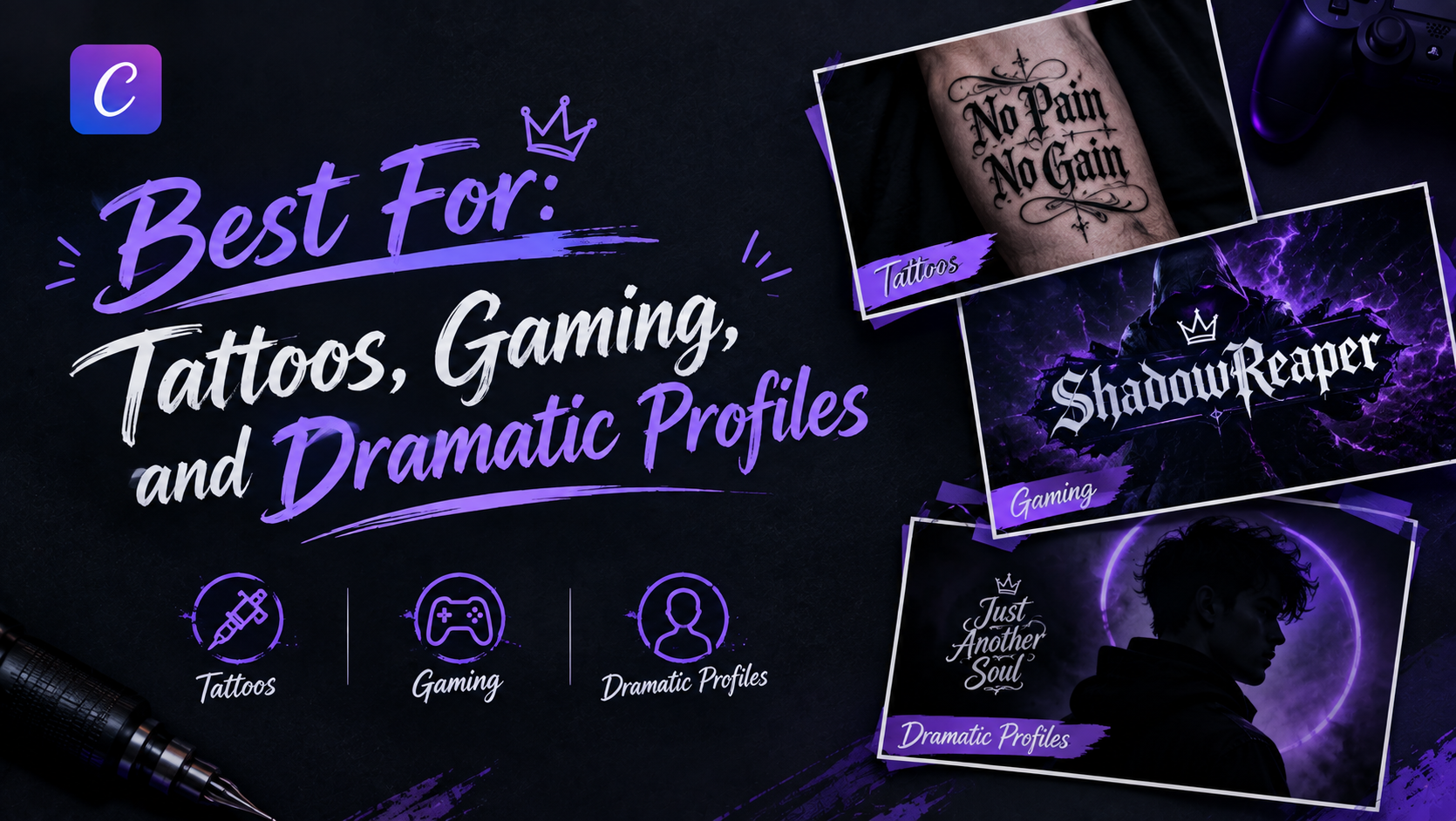
Gothic's dark, dramatic look tends to suit specific situations more than everyday text. It works well as a tattoo lettering preview before committing to actual ink, and it's a popular pick for gaming usernames and profile names that want a bolder, more dramatic edge; see the gaming username generator for platform-specific naming tools.
Outside of those, it also suits a Discord bio or a dramatic social media caption where a plain font would feel flat.
Where Gothic Text Works (and Where It Doesn't)
Because it's standard Unicode, gothic-style text displays correctly on Instagram, TikTok, Discord, WhatsApp, Facebook, Twitter/X, and most messaging apps and browsers without extra setup.
Two honest exceptions:
- Very old devices or browsers may not have the fallback fonts for a given gothic character, showing a box or question mark instead.
- Roblox usernames enforce a strict character set, so most gothic Unicode text won't display there.
Outside those two cases, the text looks the same to whoever's reading it as it does in the preview.
FAQs
What's the difference between gothic and fraktur fonts?
Is a gothic font good for tattoos?
Does gothic text work on Discord or gaming names?
Is this free to use?
Does this require a download?
Does the generator store my text?
Can I use gothic text in Word or Google Docs?
Try It Now
Type a word or sentence into the Cursive Generator homepage tool to see the gothic styles alongside every other category, free, with no account needed.
🚀 Go to the Generator