
Cursive Text Generator: Turn Any Text Into Flowing Script Instantly
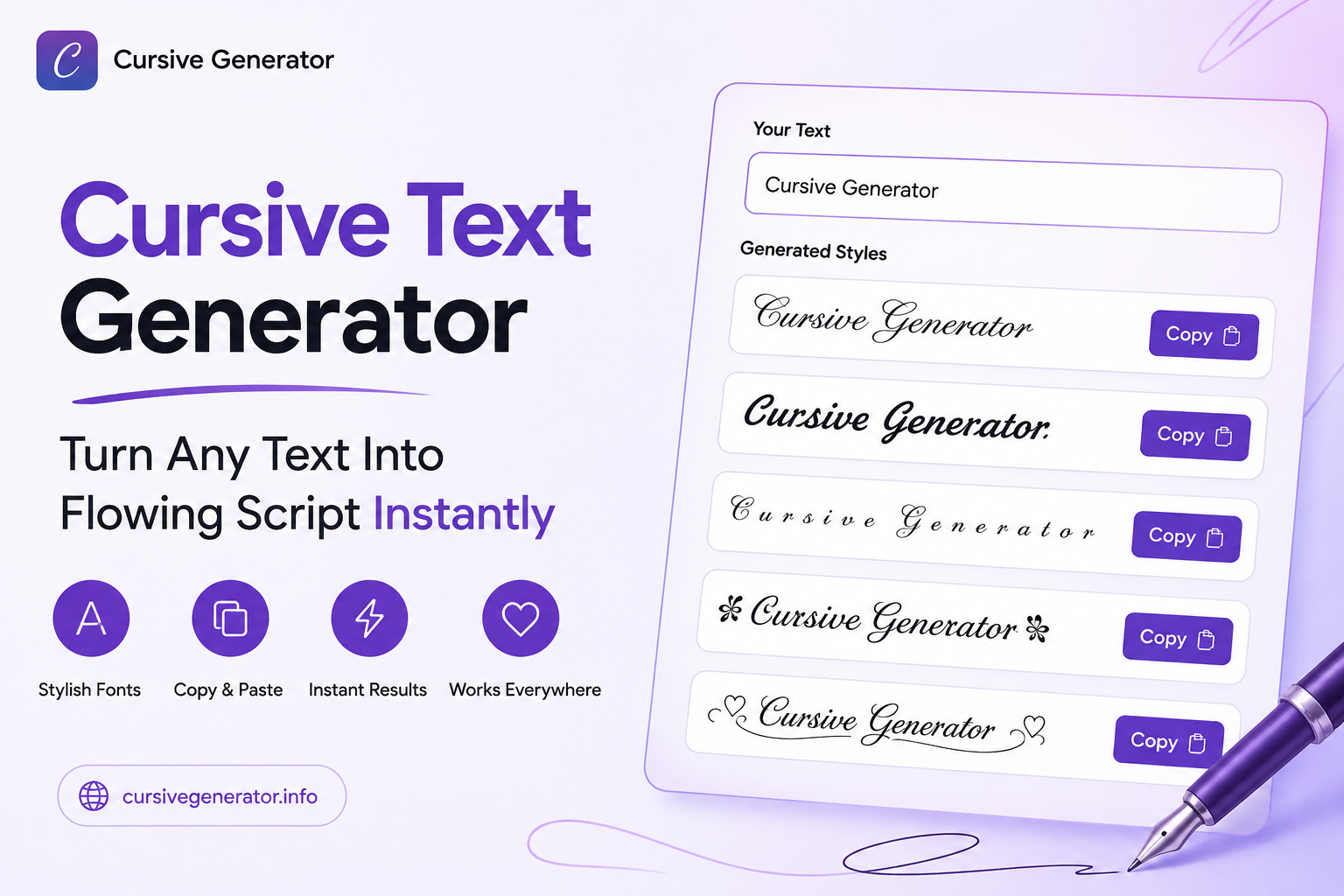
This cursive text generator converts any word or sentence into flowing, handwriting-style Unicode text (the joined, script-like letterforms most people picture when they hear "cursive"). Type something once, and every cursive-family style updates at the same time, ready to copy and paste into a bio, caption, or message. It's free, with no sign-up.
This page covers the narrower "cursive" slice, specifically, the flowing script styles, not the full 120+ style range. For gothic, gaming, or decorative categories, the broader Font Generator hub covers all of them together.
What Counts as "Cursive" Here
Not every stylized style on this site is cursive. Bold, gothic, and glitch-style text are built from different Unicode blocks with a different look entirely. Cursive specifically means script-style Unicode characters designed to resemble joined or flowing handwriting; some styles lean toward tighter, more connected letterforms, others toward a looser, more open script. This page only shows that family, filtered out from the rest.
How to Use the Cursive Text Generator
Type or paste text into the input box.
Every cursive-family style previews the same text at once, each on its own card.
Tap Copy on the style that looks right.
Paste it into the bio, caption, or field it's headed for.
There's no separate "convert" step; every style updates live as text is typed, so trying several styles back-to-back doesn't require retyping anything.
What Happens to Numbers, Punctuation, and Spacing
This is something most cursive generators don't explain clearly. Letters A–Z convert cleanly in almost every cursive style, since the Unicode script blocks were built to cover the full alphabet. Numbers are a different story: some cursive Unicode sets include styled digits, and others don't; when a style has no cursive digit equivalent, the original number is shown as-is instead of being skipped or broken.
Spaces and standard punctuation (periods, commas, question marks) pass through unchanged in every style, since Unicode doesn't define cursive versions of punctuation marks. Practically, this means a sentence with a phone number or a date might come out with the letters in flowing script and the numbers in plain text, which is expected, not a bug.
Readability vs. Decoration: Choosing a Legible Style
Every cursive style trades off flow for legibility differently, and it's worth knowing before pasting something long. Tighter, more connected script styles look more like genuine handwriting but get harder to read as the sentence gets longer; fine for a short name or a two-word bio, harder to parse in a full caption. Looser, more open script styles stay closer to standard letterforms and read more easily at length.
For anything longer than a few words, previewing the exact sentence (not just a single word) before copying it is the simplest way to catch a style that looks great short but turns into a squint-inducing wall of loops at sentence length.
Where Cursive Text Works (and Where It Doesn't)
Because this is Unicode text, not an image, it displays correctly on Instagram, TikTok, Discord, WhatsApp, Facebook, Twitter/X, and most messaging apps and browsers without any extra setup.
Two honest exceptions:
- Very old devices or browsers may show a box or question mark instead of a character if their fallback fonts don't include that Unicode block.
- Roblox usernames enforce a strict character set, so most cursive Unicode text won't display there, worth knowing before trying to style a Roblox name specifically.
Outside those two cases, cursive text pasted from here looks the same to the person reading it as it does in the preview.
Cursive Text Generator vs. Cursive Name Generator vs. Cursive Signature Generator
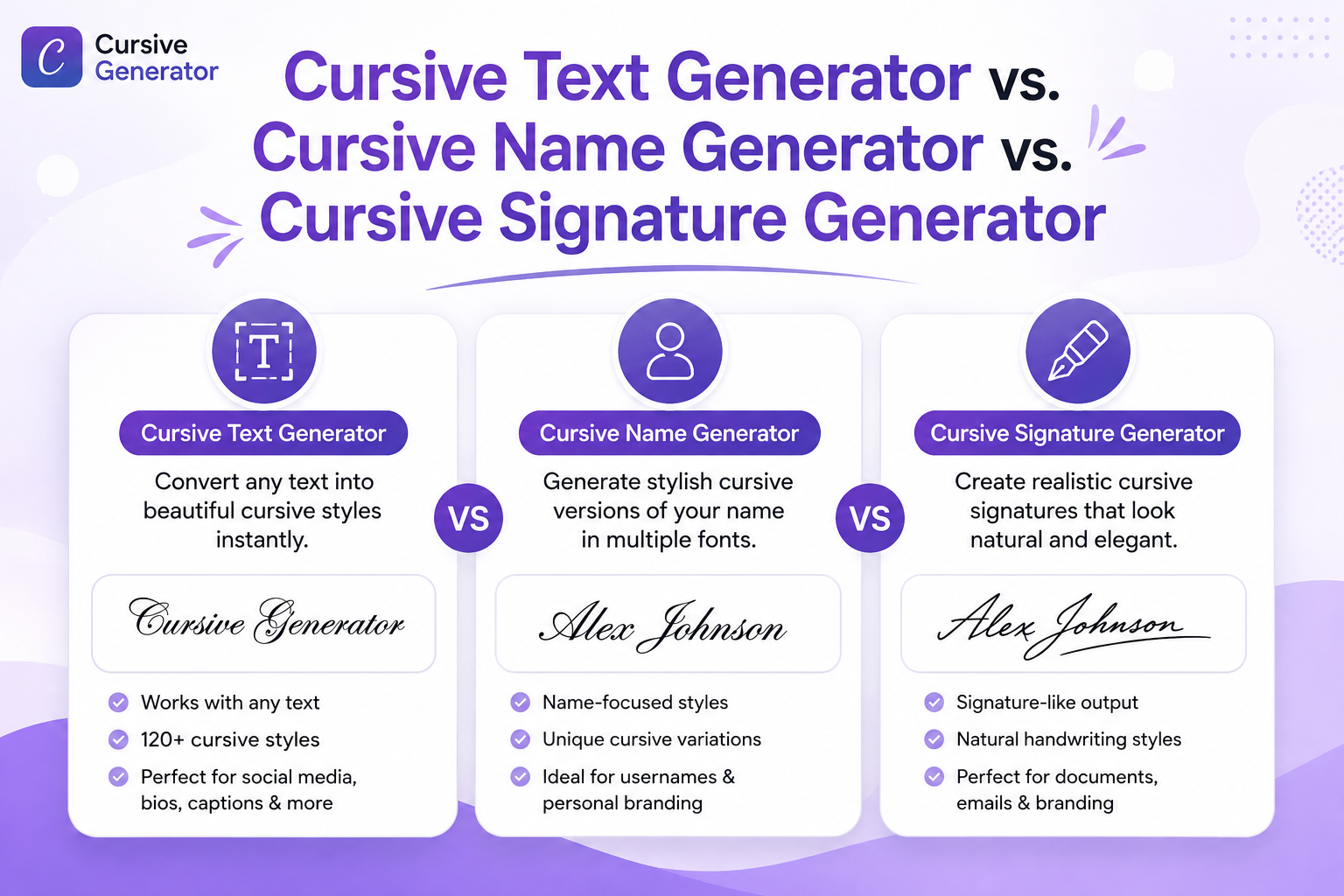
These three tools overlap in style but not in purpose. This page is built for full sentences and general text: bios, captions, messages.
The cursive name generator is narrower on purpose: it's built around styling a single name cleanly, which matters because names often look different in cursive than full sentences do (shorter length usually means the tighter, more connected styles stay readable).
The cursive signature generator goes a step further, focused on styles that read more like a personal signature mark than either a sentence or a plain name.
FAQs
How does a cursive text generator work?
Is cursive text generator free?
What's the difference between cursive and script fonts?
Why does cursive text show as boxes or question marks on some devices?
Is cursive a font?
Can I use cursive text in Word or Google Docs?
Try It Now
Type a word or sentence into the Cursive Generator homepage tool to see every cursive style update instantly, free, with no account needed.
🚀 Go to the Generator